Automate Your Bookkeeping: How ~90% of Ours Runs on Its Own
 Von Manuel Gick·Certified AI & Automation Expert
Every month, the same ritual: fishing receipts out of email attachments, downloading them from five different portals, asking a colleague where that fuel receipt went. Then typing everything in, matching it, filing it – and one receipt is still missing at the end. That's the truth about bookkeeping in small and mid-sized businesses: a large part of it is grunt work that follows fixed rules. Which is exactly why it can be automated – further than most people think. If you want to look beyond bookkeeping: 25 examples of what a business can automate.
We're not claiming this from the sidelines. Our own bookkeeping runs around 90% fully automated. This article shows what that looks like in practice – and, just as honestly, where the limits are and why your tax advisor stays.
The proof: our own books
Our bookkeeping runs on SevDesk. And "around 90% fully automated" isn't a marketing number – it's our actual month. Here's the flow in concrete terms:
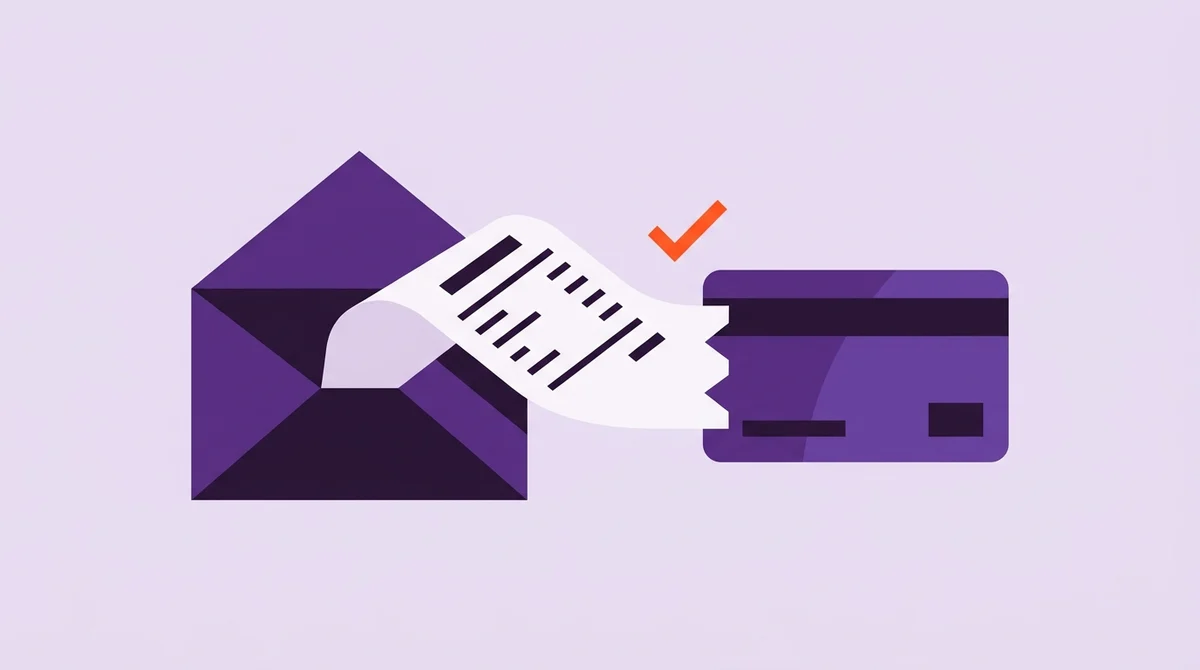
An invoice arrives by email. The automation detects the receipt in the attachment, extracts it and reads out the data – amount, date, sender. It then creates the receipt in SevDesk and links it to the matching transaction on the bank account. No downloading, no typing, no hunting for the payment a receipt belongs to. Transfers between our own accounts are recognized and linked automatically too – the classic that otherwise produces question marks on the bank statement at month's end.
In hours, that means: without the automation, our estimate is roughly 60 hours a month – including billing and invoicing, mind you, not just sorting receipts. Today it's about 15. That's around 45 hours back every month, minus 75% – more than a full working week, every month. The whole story, with all the numbers in one place, is also available as a case study.
What's left to do by hand is the final 10% or so. And that's not a failure of the technology – it's two things. First, edge cases: a receipt without a clean attachment, an unusual transaction, a supplier who sends their invoice as a crooked phone photo. Second, deliberate control: we want a human looking at the books regularly. Not because the automation keeps making mistakes – but because bookkeeping is the one area where "it's probably fine" is not an acceptable answer.
One note before you map that number onto your own business: these are our books – our receipt volume, our processes, our discipline in setting things up. The 90% is proof of what's possible today, not a promise for every case. How far you get depends on your systems and your workflows – and that can be assessed honestly up front instead of glossed over afterwards.
What can be automated in any business
The good news: the building blocks behind our 90% aren't tied to SevDesk. The same mechanics work with Lexware and other accounting tools – the tool follows the problem, not the other way around. Four areas win back the most hours in almost every business:
- Receipt capture. Most receipts arrive digitally today – as email attachments, from portals, from shops. An automation collects them, reads out the data and creates them in your accounting tool. The typing disappears entirely; chasing receipts becomes the exception instead of the rule.
- Matching. The most time-consuming step is rarely the receipt itself – it's the question: which payment does it belong to? Amount, date and sender are enough in most cases to link receipt and bank transaction automatically. What remains are the cases that genuinely need a human look.
- Dunning signals. Automatically detect overdue invoices and prepare the payment reminder – the sign-off stays with you. Nobody likes automatic dunning letters going to good customers; everybody likes a list that's up to date every morning without anyone maintaining it.
- Preparation for your tax advisor. At month's end, everything is complete, cleanly matched and filed in a traceable way – instead of sitting in a folder called "sort later". Your tax advisor gets data, not a shoebox.
One word on DATEV, because it comes up in almost every conversation in Germany: DATEV is usually not the bookkeeping itself but the bridge to the tax firm. Modern accounting tools like SevDesk or Lexware ship DATEV interfaces or exports for exactly that. So the automation happens before DATEV – capture, matching, filing – and the handover to your tax advisor becomes a button press instead of a monthly project.
Amazon, Shopify, eBay: automating shop bookkeeping
For online sellers, bookkeeping is a chapter of its own – and honestly the one where manual work becomes unreasonable fastest. An Amazon payout is one bulk transfer hiding dozens of orders, fees, refunds and corrections. Shopify and eBay look structurally the same: many small transactions, one incoming payment, and in between the question of how all of it gets into the books cleanly.
This is exactly where automation shines: integrations with Amazon, Shopify or eBay pull order and settlement data automatically, break down bulk payouts and hand the transactions to your accounting tool in a structured way. What used to mean hours with export spreadsheets now runs in the background. And where a system doesn't ship a ready-made integration, one can be built – what such an interface is and how it works is explained in APIs explained simply.
The bookkeeping agent: the next level
Everything described so far is rule-based automation: receipt in, data out, link set. The next level is something else – and we use it ourselves daily: an AI agent for bookkeeping.
We built our own bookkeeping agent, on Langdock – an AI platform from Berlin, GDPR-compliant, ISO 27001-certified, with EU hosting. The agent has access to SevDesk, our bank account and our email inbox, and is trained on tax-advisory and bookkeeping content.
Transparency: This is a referral (affiliate) link. If you use it, we may earn a commission – the price you pay stays the same.
What that means day to day: questions that used to mean searching and clicking – Is there a receipt for this payment? What's behind this expense item? How is a case like this usually treated in the books? – we now put to the agent. It looks at the real data, not at a guess, and answers from a knowledge base of bookkeeping and tax-advisory content. The decision stays with us; binding tax advice still comes only from the tax advisor.
That's the outlook that already works today: rule-based automation handles the grunt work, the agent answers the questions in between. More on how agents like this are built is on our Langdock page.
Honest limits: what automation doesn't replace
Now the part a sales brochure would skip – and that still decides whether this succeeds:
- Compliance still applies. In Germany, receipts must be filed in line with GoBD – complete, traceable, tamper-proof. Good accounting tools bring the foundations, but no automation takes the responsibility for a clean process off your shoulders. It actually helps – an automated process doesn't forget a receipt – but it doesn't replace setting things up properly.
- Control is mandatory, not optional. We review our own automated books regularly – deliberately, as part of the process. Treating automation as "switch on and look away" builds you a risk, not a relief.
- The tax advisor stays. Automation prepares – it doesn't replace a tax advisor. Year-end accounts, tax assessment, structuring questions: that is and remains work for the tax firm. We build automations and agents; we don't do tax advice, and anyone promising you both from one hand without a tax firm should make you suspicious. The honest effect is different: your tax advisor spends less time chasing receipts and more time on what you actually pay them for.
Does bookkeeping automation work with DATEV?
Yes – in most cases via the DATEV interfaces and exports of the accounting tools. The automation does the work before DATEV: capturing, reading, matching and filing receipts. The handover to the tax firm becomes a button press, and your tax advisor keeps working in their familiar environment.
What does it cost to automate bookkeeping?
With us, a project like this runs as a SCALE² sprint: 3 weeks, 5 phases, fixed price – most sprints land between €2,500 and €13,000, depending on how many systems need connecting. Three weeks of post-go-live support are included. Whether it pays off for your receipt volume is what the free time-potential analysis clarifies up front – and if it doesn't, we'll tell you.
Can bookkeeping be automated with AI?
Yes, in two places. First, reading: AI extracts the data even from receipts where rigid rules fail. Second, as an agent: an AI agent with access to your books, bank account and inbox that answers questions directly – like our own. The combination of rule-based automation and AI is what actually works today; AI alone doesn't replace a clean process.
Can Amazon or shop bookkeeping be automated?
Yes – and that's where it pays off most. Integrations with Amazon, Shopify or eBay pull order and settlement data automatically, break down bulk payouts and hand everything to your accounting tool in a structured way. The hours with export spreadsheets disappear.
Does this work for accounting firms too?
Yes, at a different scale: instead of one set of books, it's many clients with recurring workflows – per-client receipt intake, completeness checks, reminders to late clients, preparing the posting batches. Exactly that repetition makes firms a grateful case for automation. Important here too: we automate the workflows – the tax work stays with the firm.
The next step
Which process should come first for you? The Time Radar shows you in 60 seconds, for free. If your bookkeeping eats hours every month, it's one of the most rewarding candidates for automation – precisely because it follows fixed rules. The thorough route is the time-potential analysis: 45 minutes, free, no sales pitch. We look at your workflows together and tell you honestly what can be automated and what can't. What AI agents can take over beyond that is on our AI agents page. Ready? Book your time-potential analysis.